
Project nature
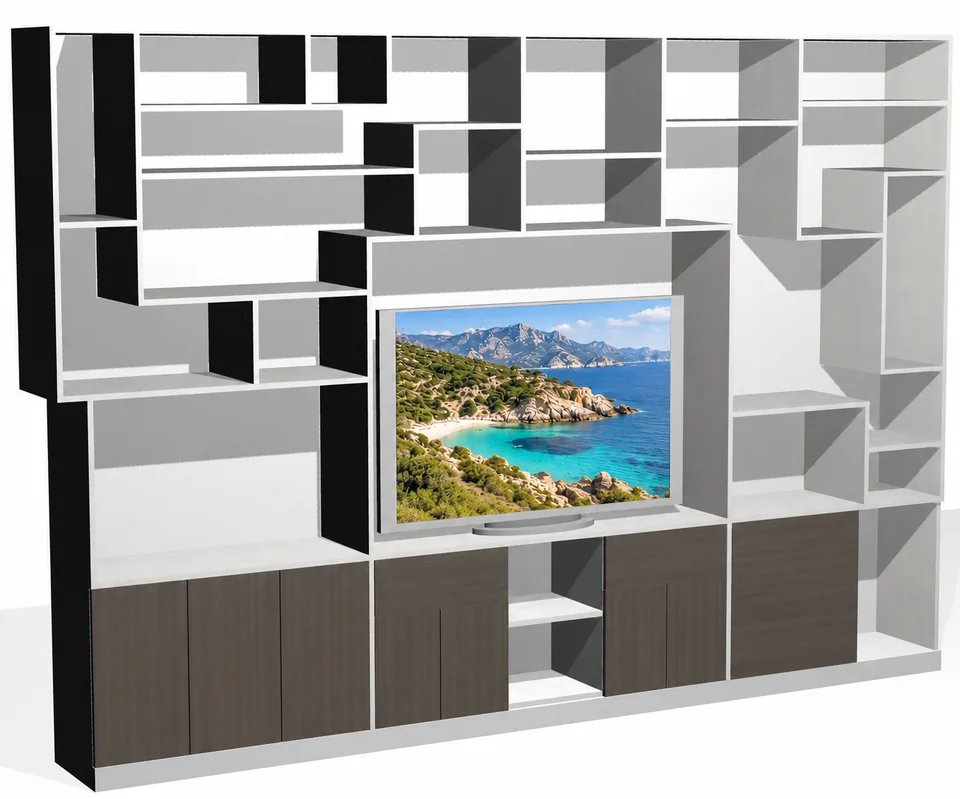
If the activity remains centred on repeatable cabinets, a very guided workflow may be enough. If projects mix fitting, woodworking, free shapes and specific details, versatility becomes decisive.
Woodworking software comparison
PolyBoard and Aleker Designer do not answer exactly the same need. PolyBoard is very efficient for rule-guided panel furniture; Aleker targets a broader trade CAD workflow for custom work, plans and the workshop.
Quick verdict
Repeatable cabinet: PolyBoard. Broad custom work: Aleker.
Choice criteria
A useful comparison is not limited to the interface or price. It must include the projects you sell, the documents expected, the level of freedom needed and the outputs used in production.
If the activity remains centred on repeatable cabinets, a very guided workflow may be enough. If projects mix fitting, woodworking, free shapes and specific details, versatility becomes decisive.
Custom work sometimes starts from an installation constraint, an architect drawing or an unusual shape. The software must allow drawing without losing useful manufacturing data.
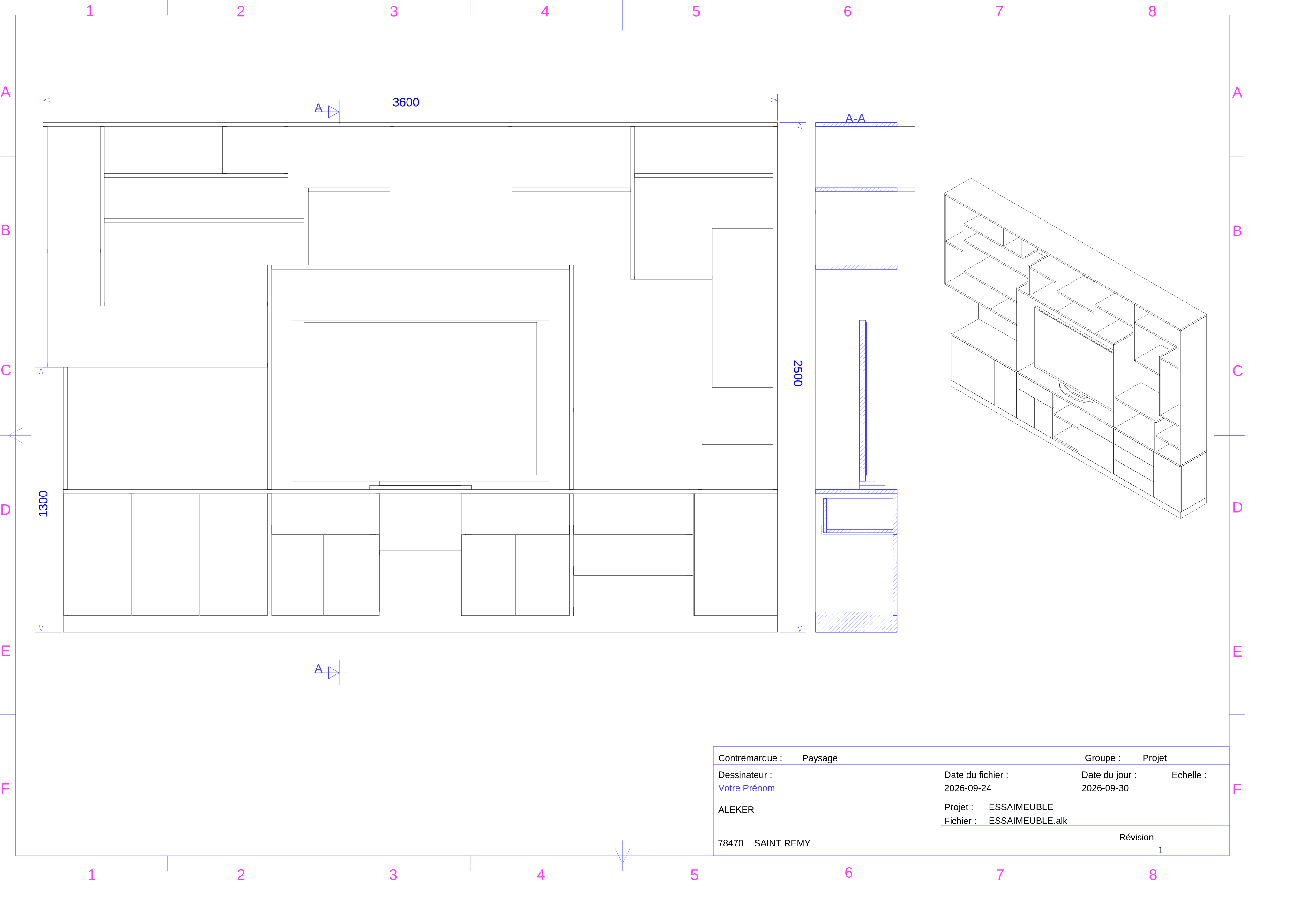
Drawings, sections, cut lists, cost breakdowns and manufacturing files must stay consistent with the model to limit re-entry and errors.
Cutting optimization, CAM, CNC and export formats must be compared with your existing machines and software, not only from a sales sheet.
Direct comparison
PolyBoard remains very efficient in a furniture/cabinet logic. Aleker Designer targets broader continuity between 3D design, drawing sheets, cut lists and custom manufacturing.
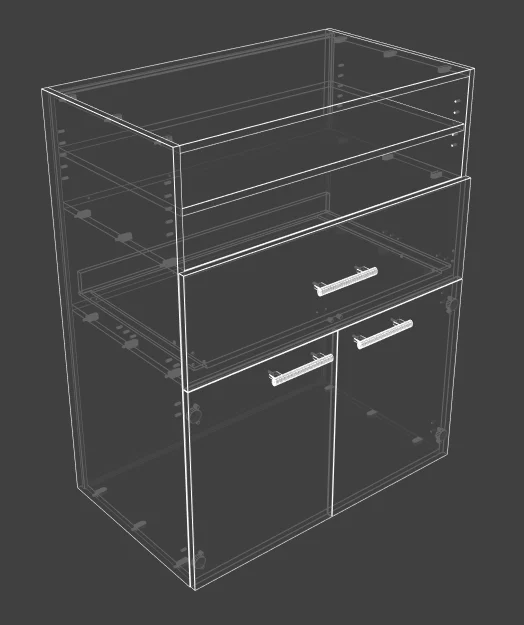
More limited outside “furniture/cabinet” when the project leaves the guided workflow.
Ready to use for broader woodworking and interior fitting versatility.
Criterion
Mainly panel furniture / cabinets, with a guided workflow.
Specialised woodworking and interior fitting for varied projects.
Criterion
Assistants, rules and components around carcass construction and recalculation.
Trade CAD: 3D drawing and workshop logic without forcing every project into a cabinet model.
Criterion
Less suited to free "any object" drawing when the project leaves standard furniture.
Designed for drawing and manufacturing: tracing, drawing sheets and production.
Criterion
Outside the cabinet perimeter, modelling can quickly become constrained or diverted.
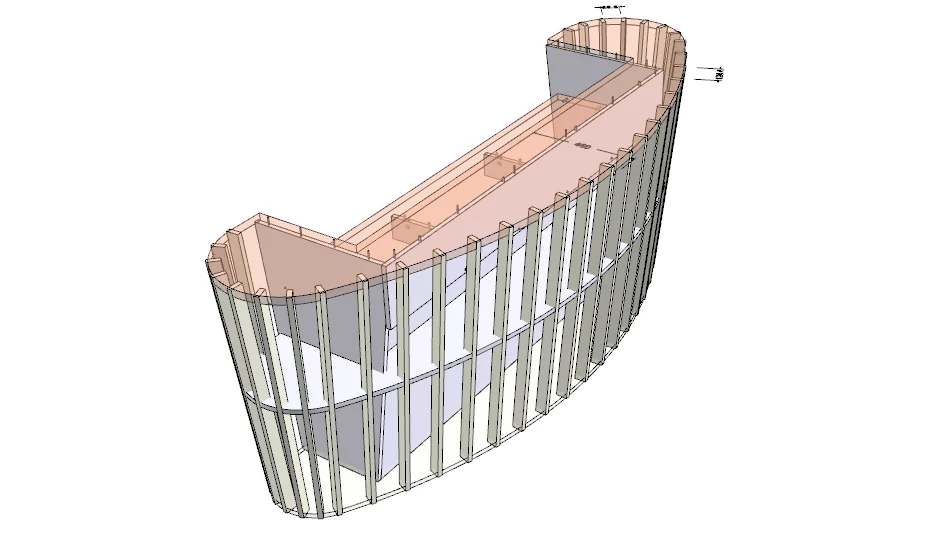
More suited to doors, windows, gates, under-slope units, benches or curved reception counters.
Criterion
Cabinet-oriented parametrics: dimensions, rules and components within the furniture perimeter.
Trade parametrics: width, height, depth, thickness, clearances and project logic.
Criterion
Outputs oriented to furniture production depending on the chain and options.
Drawing sheets, cut lists and manufacturing file integrated.
Criterion
More furniture-production oriented, with interoperability that varies by need.
Manufacturing and 2D/3D interoperability depending on Aleker export formats.
Note: offers, export formats, CNC options and libraries can change. Use this table as a workflow guide, then verify the current versions against your machines and production software.
Your activity mainly revolves around panel furniture, cabinets, dressing rooms or repeatable kitchens. The assistant-based workflow is fast when projects stay within that frame.
Your daily work mixes drawing, fitting, woodworking, technical plans, cutting lists and production. Aleker is better suited when the project becomes truly custom.
Aleker workflow
The goal is to reduce back-and-forth between several tools: design, plan, cutting list, manufacturing and workshop exchanges remain in the same environment.
Step 1
Survey and 3D drawing of the project
Step 2
Adaptation of dimensions and constraints
Step 3
Drawing sheets automatically linked to the model
Step 4
Cutting lists, exports and manufacturing file
Check before buying
The best software is the one that matches your production. These points help avoid choosing a solution that looks comfortable in a demo but is too limited on real files.
Conclusion
If your company mainly produces standardised cabinets, PolyBoard can be very relevant. If you draw varied custom work and want continuity between study, customer, workshop and installation, Aleker Designer deserves a demonstration.
Test method
The best way to compare Aleker and PolyBoard is to start from representative workshop projects, not from an overly simple sales example. A useful test covers creation, modification, drawing sheets and production outputs.
Drawing a simple panel furniture project measures creation speed, library logic, hardware rules and the quality of first cut lists.
Testing an under-slope unit, a curved reception counter or a specific door quickly shows whether the software accepts the freedom required by real custom work.
Changing width, height, depth, materials or accessories shows whether drawings, cut lists and documents follow without heavy re-entry.
Comparing exports, PDF files, optimization and CNC data on a real case avoids discovering a production limit too late.
Evaluation method
The right choice depends on the balance between repeatable cabinet production and broader custom work. A practical test should include both a standard case and an atypical case.
A standard cabinet or dressing room shows how quickly each solution handles dimensions, rules, components, hardware and first production documents.
An under-slope unit, curved counter, gate or specific door reveals whether the tool stays comfortable when the work leaves repeatable panel furniture.
Change dimensions, materials or layout after drawings are prepared. The comparison should include how much rework is needed before manufacturing.
If optimization, CAM or CNC data matters, test the exact file formats with your own downstream tools before choosing the software.
Cabinets, custom work, drawings, workshop files and CNC exports.
PolyBoard is very efficient when the activity remains centred on panel furniture, cabinets and a guided workflow. Aleker becomes more relevant when projects leave that perimeter and require broader trade freedom.
Yes. Aleker targets broader CAD for custom woodworking and fitting: under-slope spaces, reception counters, doors, windows, gates, curved shapes and atypical projects.
The right choice depends on your production chain. Aleker focuses on continuity between 3D drawing, drawing sheets, cut lists, cost breakdowns and manufacturing files.
Yes. Export formats and CNC options must be checked against your machines, optimization software and CAM workflow. A demonstration can verify this in your context.
Non-standard work, unusual shapes, bespoke joints: your craftsmanship makes the difference. Show us what you build and discover in the demo how Aleker can support your methods, from design to workshop documents.