
Licence and extensions
SketchUp may require LayOut, trade plugins, rendering tools or additional exports. The real cost rarely depends on the base license alone.
3D software comparison
SketchUp is an excellent general-purpose 3D modelling tool. Aleker Designer is designed for woodworking and interior fitting, with trade functions built into the same software.
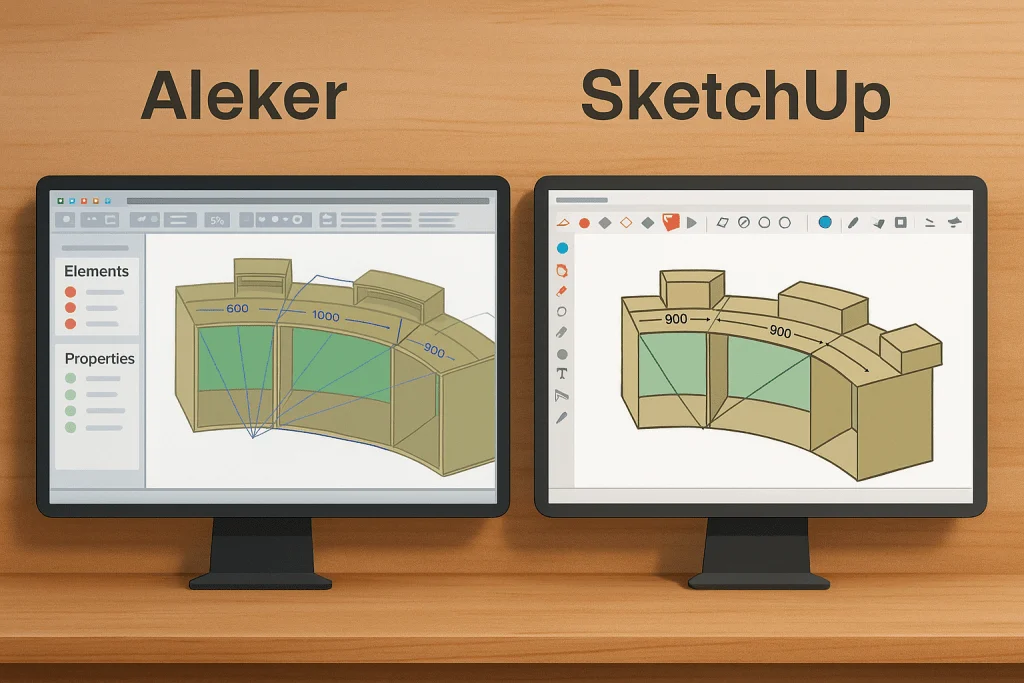
Real workflow cost
For a woodworker, software cost is not just the subscription. You also need to include plugins, setup time, data re-entry and the ability to produce reliable documents for manufacturing.
SketchUp may require LayOut, trade plugins, rendering tools or additional exports. The real cost rarely depends on the base license alone.
A general-purpose modeller stays very free, but that freedom requires strict conventions to then obtain reliable quantities, drawings or cut lists.
If workshop information is rebuilt in a spreadsheet or another tool, the time saved at drawing stage can be lost later in the workflow.
Each plugin, layer convention, dynamic component or export adds something to maintain, especially when several people work on the files.
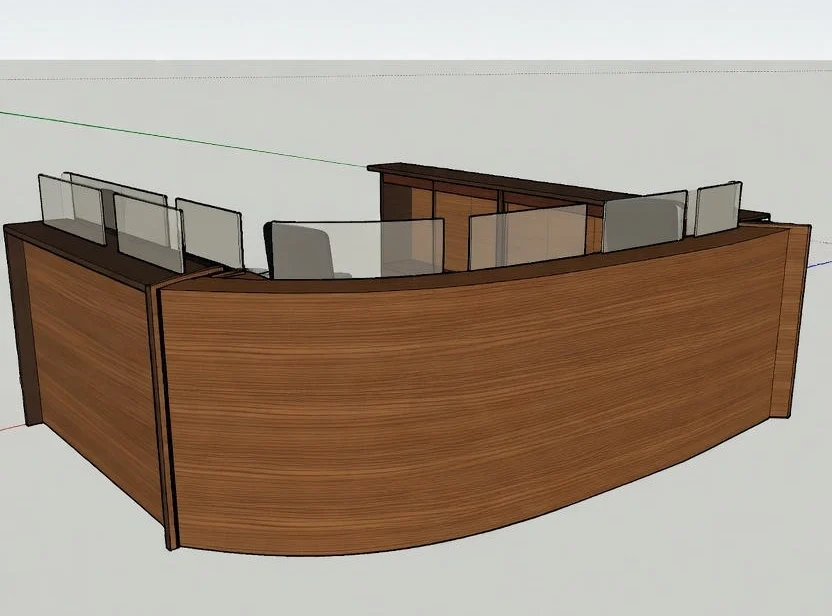
Very good for drawing freely
SketchUp is intuitive for modelling, previewing and exploring shapes. For a complete woodworking use, it often requires several extensions and very rigorous organisation.
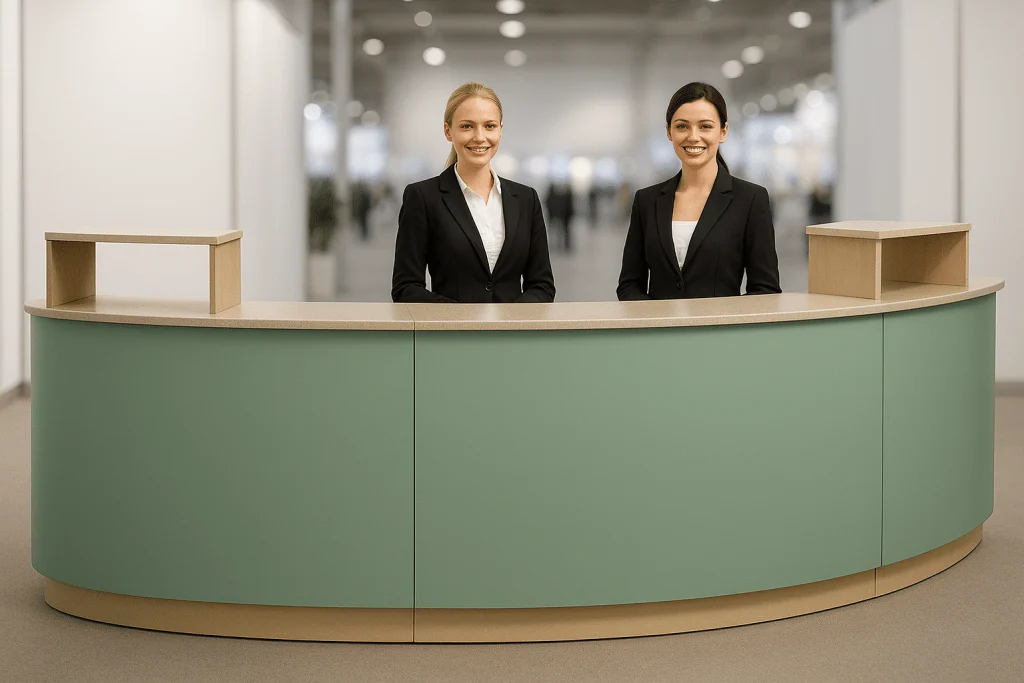
Designed to move from drawing to the workshop
Aleker directly integrates woodworking logic: components, variables, plans, cutting lists, manufacturing documents and exports. The workflow is less scattered.
Direct comparison
SketchUp remains very useful for drawing freely. Aleker Designer groups more trade functions into a workflow designed for woodworking, drawings, cut lists and the workshop.
Very flexible for free modelling, but a complete woodworking workflow often depends on plugins, conventions and separate tools.
More directly woodworking-oriented: design, trade parameters, drawings, cut lists and workshop outputs in one unified logic.
Criterion
General-purpose tool for 3D modelling, architecture and presentation.
Specialised for woodworking, interior fitting and custom furniture.
Criterion
Generic libraries or 3D Warehouse, completed with plugins and in-house components.
Trade libraries: cabinets, doors, accessories, machining, textures and prices.
Criterion
No native woodworking parameters; dynamic components, scripts or extensions are needed.
Native trade variables: width, height, depth, thickness, clearances, angles and variants.
Criterion
Direct push-pull modelling and components, without full project recalculation.
Parametric recalculation of trade objects and components.
Criterion
Useful for visual design, but limited for direct manufacturing without extra preparation.
Precision adapted to manufacturing, drawings and workshop outputs.
Criterion
Via LayOut with the Pro version, often separated from the drawing workflow and more manual.
Automatic drawing sheets linked to the model, with dimensions and workshop documents.
Criterion
Not native: depends on plugins and strict modelling conventions.
Cut lists generated automatically from the project.
Criterion
No native woodworking machining; CNC preparation through extensions or rework.
Traditional and CNC machining integrated, with exports depending on available formats.
Criterion
Manual management or third-party extensions.
Price libraries can be connected to costing and components.
Criterion
Compatible with V-Ray, Enscape or Twinmotion, often through costly extensions.
Textures oriented to woodworking and interior fitting, plus 3D exports for rendering or generative AI.
Criterion
Easy for sketches and free shapes; more complex when workshop workflow is added.
Designed for craftspeople: drawing, plans, cut lists and production in one logic.
Criterion
SketchUp Pro plus paid trade plugins depending on needs.
Aleker license with trade functions grouped together.
Criterion
Standard 3D formats, less woodworking-oriented without extensions.
2D/3D and manufacturing exports: DXF, DWG, STEP, IGES, CIX, GLB/GLTF depending on use.
Note: prices, export formats, plugins and CNC options can change. This comparison is a workflow guide and should be checked against the current versions and your own production chain.
Decision
SketchUp is well suited if your priority is free modelling and visual presentation.
Aleker is better suited if you want to produce plans, cutting lists and workshop outputs without multiplying tools.
The real cost of SketchUp should include the plugins needed for a woodworking workflow.
Aleker requires real trade-oriented onboarding, but the software is designed for craftspeople and small woodworking businesses.
Woodworking workflow
SketchUp is excellent for quickly visualising volumes. Aleker targets a more complete chain where the model also feeds drawings, cut lists, libraries and workshop outputs.
Draw the project with dimensions and manufacturing constraints.
Present a clear view to the customer to validate volumes and finishes.
Produce drawings, sections, annotations and readable documents.
Generate cut lists, cost breakdowns, exports and information useful to the workshop.
Conclusion
For free shapes, SketchUp remains attractive. For a workshop that wants to connect design, presentation, drawing sheets, cutting lists and production, Aleker Designer brings a more specialised approach.
Evaluation method
The right comparison is not a feature list in isolation. It is the ability to move through a complete project with fewer duplicated actions and clearer manufacturing information.
Do not compare only a simple 3D volume. Use a real project with customer presentation, dimensions, drawings, revisions and the documents your workshop expects after validation.
With a general modeller, include the cost and maintenance of plugins, templates, conventions and external spreadsheets needed to reach a woodworking workflow.
A common customer change should update the project without forcing a full rebuild of drawings, quantities, cutting information or workshop notes.
The best solution is the one your team can use consistently, with fewer interpretation gaps between the person drawing and the person manufacturing.
Points to check before choosing 3D software for woodworking.
SketchUp can be enough to draw freely or present a volume. For a complete woodworking workflow, it often requires plugins, modelling conventions and separate tools.
Aleker groups trade functions: libraries, variables, drawing sheets, cut lists, cost breakdowns, manufacturing files and workshop-oriented exports.
Aleker is designed to connect the 3D model to drawings and workshop documents. SketchUp can produce drawings, but the workflow depends more on LayOut, plugins and modelling discipline.
Compare the license, required extensions, setup time, training, workflow maintenance and ability to produce data that the workshop can use directly.
Non-standard work, unusual shapes, bespoke joints: your craftsmanship makes the difference. Show us what you build and discover in the demo how Aleker can support your methods, from design to workshop documents.